Shop promotion · 6 min read
How to Make an Etsy Shop QR Code That Matches Your Brand
Make an Etsy shop QR code for packaging inserts, hang tags and craft fair signs. Learn which link to use, where to place it and how to test it before you print.
By MosaicQR team · Published · Updated
The moment a buyer opens your package is the moment they like your shop most. A thank-you card with a QR code gives them a one-step way back to everything else you make, before the box goes in the recycling.
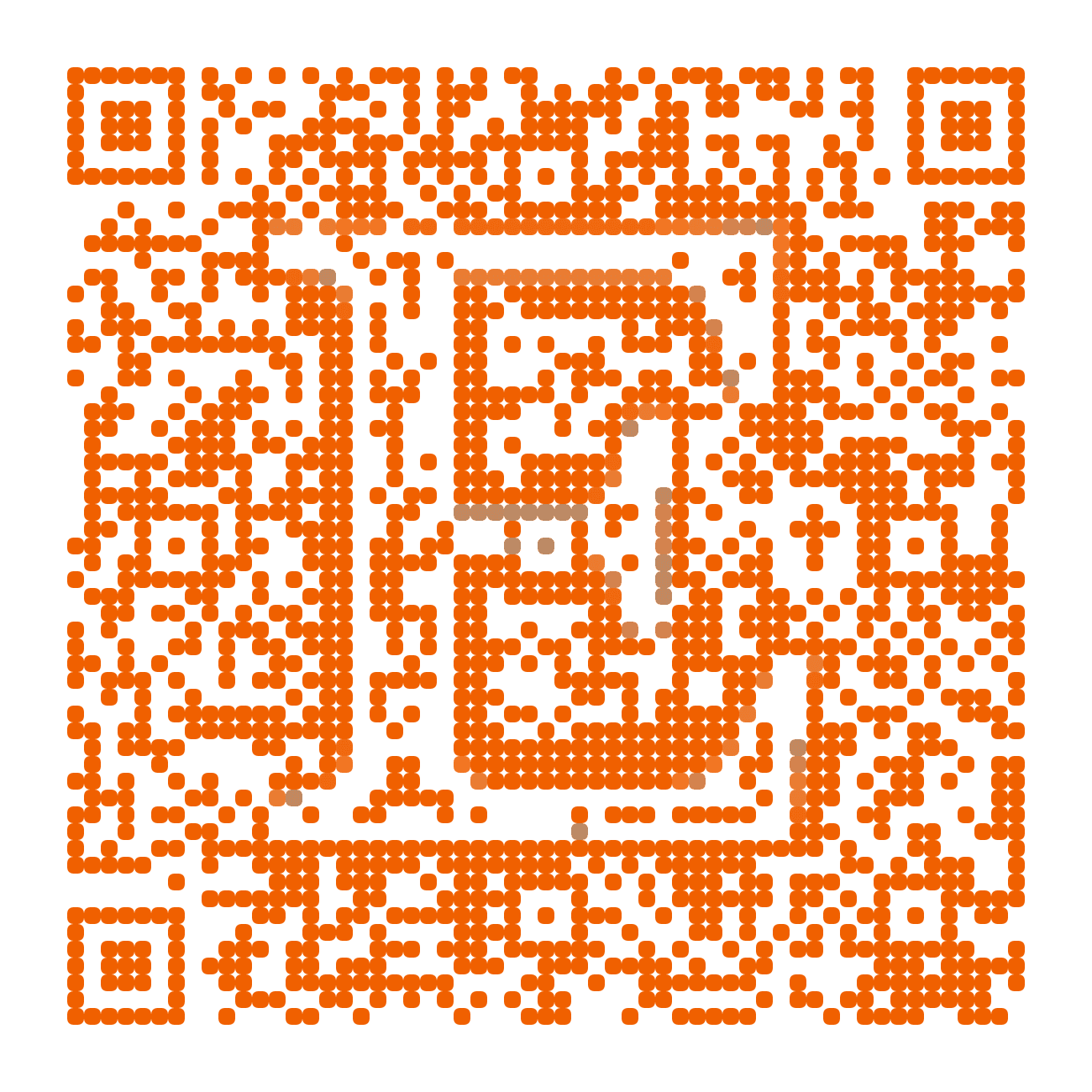
A branded Etsy shop QR code adds a familiar Etsy cue, so people know where the scan goes. Pair it with your shop name and a short prompt, and it works on inserts, hang tags and craft fair signs alike.
Etsy shop example
CaitlynMinimalist
A shop page destination for a packaging insert, hang tag or market sign. Print the shop name next to the code with a prompt like “Shop the full collection on Etsy.”
Open the shop on EtsyTry this shop in MosaicQR →
This direct-link example was rendered with MosaicQR’s image engine. Etsy and CaitlynMinimalist own their respective names and marks. This example is not sponsored or endorsed by them.
Link to your shop, not a single listing
Listings sell out, expire and get renewed. A printed code that points at one listing can land a buyer on an “item unavailable” page months later. Your shop page stays put as your catalog changes, so it is the safer choice for anything you print in bulk.
To find it, open your shop in a browser and copy the address. It looks like www.etsy.com/shop/ followed by your shop name. You may see a region segment such as /uk/ or a ?ref= tag on the end. The shop name is the part that matters.
The example above uses the CaitlynMinimalist shop page. MosaicQR uses Etsy’s favicon as the visual source, not the shop’s own logo or banner.
Make your Etsy shop QR code in three steps
- Copy the shop link. Open it once in a private browser window and confirm it shows your shop, not your Shop Manager dashboard.
- Paste it into MosaicQR. The form below recognizes an Etsy shop page and carries the full link into the generator.
- Activate, test and download. Complete the current account and activation steps, then scan the exported artwork before you send it to your printer.
Give people a reason to scan
“Scan me” does not tell a buyer what they get. Name the shop and the payoff. “See the matching earrings at CaitlynMinimalist” or “Shop the full collection on Etsy” sets a clear expectation.
If you run a shop coupon for repeat buyers, mention it next to the code and print the code word too. Keep the promise true for as long as the card is in circulation. If the offer ends in December, say so on the card.
Where an Etsy QR code works
- Thank-you cards and packaging inserts: This is the highest-value spot. The buyer already trusts you and is holding your work.
- Hang tags and care cards: A small code on the tag helps a gift recipient find the maker long after the original buyer has forgotten the order.
- Craft fairs and markets: Put a larger code on your table sign so browsers can save your shop and order later, even if they do not buy on the spot.
- Stickers and mailers: Keep your shop name printed next to the code so the item still makes sense to people who do not scan.
- Wholesale and consignment displays: A code near your products in someone else’s store gives shoppers a way to see the rest of your range.
In an Etsy message, social post or newsletter, use a normal tappable link. A QR code helps most when the buyer is looking at something physical.
Keep your Etsy branding honest
The Etsy cue in the code tells people where they will land. It does not mean Etsy made the card or endorses your shop, so do not word the prompt as if it does. Your own shop name and design should carry the rest of the branding.
If you also sell on your own website, decide which one the code supports and say it plainly. “Shop on Etsy” and “Shop our site” are different promises, and buyers notice when the page does not match.
Test the scan before you print
On a phone with the Etsy app installed, a shop link may open in the app. Without it, people see the Etsy website and may be asked to sign in before they favorite or buy. Those screens are controlled by Etsy, so test both paths.
- Scan with current iPhone and Android camera apps.
- Try one phone with the Etsy app installed and one without it.
- Confirm your shop name and banner on the page that opens.
- Scan the final export at its printed size on your real card stock.
- Test a market sign at the distance people will stand from your table.
See the MosaicQR printing guide for sizing and export guidance. Print your shop name near the code for anyone who cannot scan in time.
The current MosaicQR generator creates dynamic codes. Follow the account and activation details it displays, and check any destination update with a fresh scan before you reuse older printed material.
Make a branded QR code for your Etsy shop
Paste your public Etsy shop link. We’ll recognize the shop and carry the destination into the MosaicQR generator.